How CPAs Use Technology To Improve Accuracy
You work hard for your money. You need numbers you can trust. Today, technology changes how you and your CPA work together. Smart tools reduce human error. Simple screens replace stacks of paper. Secure links replace lost mail. A CPA in Santa Monica, CA now uses scanners, digital workpapers, and real-time data feeds. These tools catch mistakes early. They keep records clear. They help you meet strict tax rules. This blog explains how your CPA uses each tool to improve accuracy. It shows how digital checks protect you from penalties. It also shows how secure systems protect your data from theft. You will see how technology supports careful review, steady communication, and fast answers. By the end, you will know what to ask your CPA. You will know which tools matter most for clean books and accurate returns.
Why accuracy matters for your family
Money mistakes hurt. A small typo can trigger an IRS notice. A missed receipt can raise your tax bill. A wrong entry can hide fraud. Your family pays the price.
Accurate records do three things. They protect you from penalties. They show where your money goes. They support calm choices about saving, debt, and retirement.
The IRS now expects digital records. It uses data checks to spot errors fast. You need a CPA who keeps pace. Technology is no longer a perk. It is basic protection.
Digital records instead of paper piles
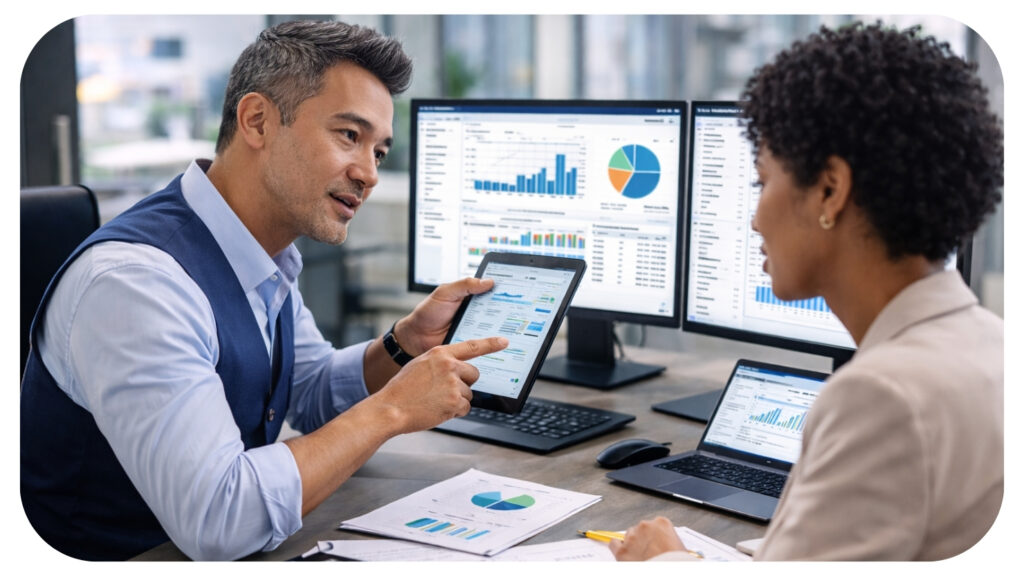
Old files blur ink and lost pages. Digital records stay clear. Your CPA can scan receipts and bank letters. Then the software reads the data into your books.
This process removes three common errors. It cuts off double entry. It reduces missing items. It lowers math slips.
You can help with three simple steps. You can send documents through secure upload. You can name files with clear dates. You can send items each month instead of once a year.
Real time bank and credit feeds
Today, your CPA can link bookkeeping software to your bank and credit accounts. The system pulls in each transaction. Then your CPA reviews and codes the data.
This gives three clear wins. First, your books match your bank. Second, you catch strange charges fast. Third, you see cash trends before they hurt you.
The Federal Reserve explains how digital payments create clear audit trails in its research on payment systems at https://www.federalreserve.gov/paymentsystems.htm. Those trails help your CPA back up each number with strong proof.
Secure client portals and e signature
Email is weak. Attachments get lost. Messages leak. A secure portal lets you upload files, read notes, and sign forms in one place.
Portals help accuracy in three ways. They keep one final version of each file. They track dates and tasks. They store signed copies for later review.
Electronic signature tools also reduce missing pages. You sign every required spot in order. The system blocks skipped lines and shows clear time stamps.
Automation that still needs human review
Good CPAs use automation as a helper. The software does the boring parts. The human does the thinking. You get both speed and care.
Here is a simple comparison.
| Task Type | Manual Only | Tech Assisted | Accuracy Impact |
|---|---|---|---|
| Data entry from receipts | Typing line by line | Scan and import, then review | Fewer typos and lost items |
| Bank reconciliation | Match by hand each month | Automatic match, human check | Faster match and clearer gaps |
| Tax form checks | Manual cross checks | Software rules plus review | Stronger catch of missing data |
| Document storage | Paper folders | Digital folders and search | Quicker proof during audits |
Technology does not replace judgment. It gives your CPA more time to look for patterns, risk, and fraud. That time creates real safety for you.
Tax law updates and built-in checks
Tax rules change often. Manual tracking invites errors. Tax software now updates rates and limits in the background. Your CPA then applies those rules to your case.
These systems also run built-in checks. They test common problem spots. They flag missing Social Security numbers. They compare credits and income. They test math on each page.
The IRS shows current rules and forms at https://www.irs.gov/forms-instructions. Good software mirrors those forms. Your CPA then uses the program as a map and uses training as the guide.
Data security and your peace of mind
Accuracy means nothing if a thief steals your data. A breach can ruin credit and cause long-term stress. Strong security is part of accurate work.
Modern CPA tools use three shields. They encrypt data during upload and storage. They control logins with strong passwords and sometimes codes sent to your phone. They back up files in more than one safe place.
You can support this effort. You can use unique passwords. You can avoid sending tax data via regular email. You can check that any site you use starts with https and shows a lock icon.
How to judge your CPA’s use of technology
You have the right to ask hard questions. You can ask which software your CPA uses for bookkeeping and tax work. You can ask if they use bank feeds and digital receipt tools. You can ask how they secure your data and how often they back it up.
You can also watch three signs. You receive clear, on-time requests. You see fewer last-minute surprises. You can pull reports quickly when you need them for a loan or a school aid form.
Next steps for you and your CPA
Your money story deserves clear numbers. Technology gives your CPA stronger tools. Your questions and steady sharing of data make those tools work.
Start with one change this year. You can move to a secure portal. You can link your bank feeds. You can scan and upload every receipt over a set amount. Then you can add more steps once that habit feels normal.
When you and your CPA use simple tech with care, your books tell the truth. That truth guards your family, your plans, and your sleep.


Most Inside Editorial Team
MostInside is a trusted publication helping people navigate real decisions across health, finance, career, home, relationships and technology since 2009. Straight to What Matters.